

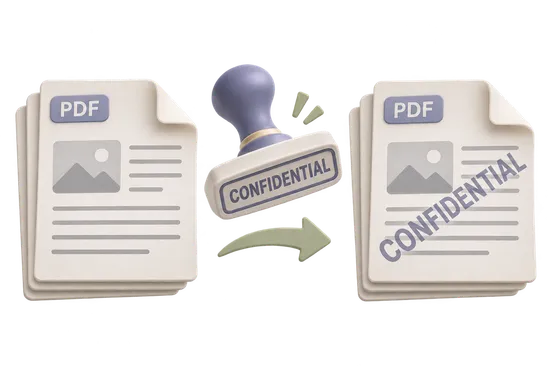
Watermark PDF
Draw a short line of text on the pages you choose.
Your PDF
Your original stays on this device and is never overwritten.
Options
File limits and compatibility
- One PDF, up to 32 MiB and 1,000 pages. The text is one line of 1 to 80 characters.
- The text uses Helvetica, Times, or Courier, from 8 to 96 points, in gray, ink, or red.
- The mark is drawn onto the existing pages. It does not flatten annotations or sign the file.
- An image watermark is not part of this tool.
How to use Watermark PDF
- Select Choose a PDF.
- Type one line of watermark text.
- Set the font, size, color, position and the pages to mark.
- Select Add watermark, then Download watermarked PDF.
What happens to your file
Your file is processed by pdf-lib in a worker inside this browser tab. This page's code and assets come from this site. The file, its name and its contents are not sent to Kitolune or anyone else, and a browser test for this tool fails if a run makes a cross-origin or non-GET request.
Common questions
Can someone remove the watermark?
Possibly. The mark is drawn onto the existing pages, but this does not flatten, sign or lock the file.