

Add page numbers to PDF
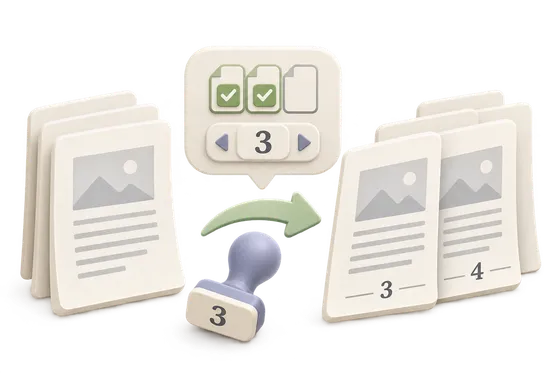
Number every page, starting at the number you choose.
Your PDF
Your original stays on this device and is never overwritten.
Options
Every page is numbered. The first page uses the starting value.
File limits and compatibility
- One PDF, up to 32 MiB and 1,000 pages. Numbers use a standard Helvetica font.
- Positions cover the corners and centers. Styles are 1, 1 / N, Page 1, Roman numerals, and A, B, C.
- The starting number is a whole number from 1 to 9999. You can number every page or a chosen range.
- Numbers are drawn on the page. They are not a separate header template.
How to use Page numbers
- Select Choose a PDF.
- Choose the position and number style.
- Set the starting number, and number every page or a chosen range.
- Select Add page numbers, then Download numbered PDF.
What happens to your file
Your file is processed by pdf-lib in a worker inside this browser tab. This page's code and assets come from this site. The file, its name and its contents are not sent to Kitolune or anyone else, and a browser test for this tool fails if a run makes a cross-origin or non-GET request.