

Rotate PDF
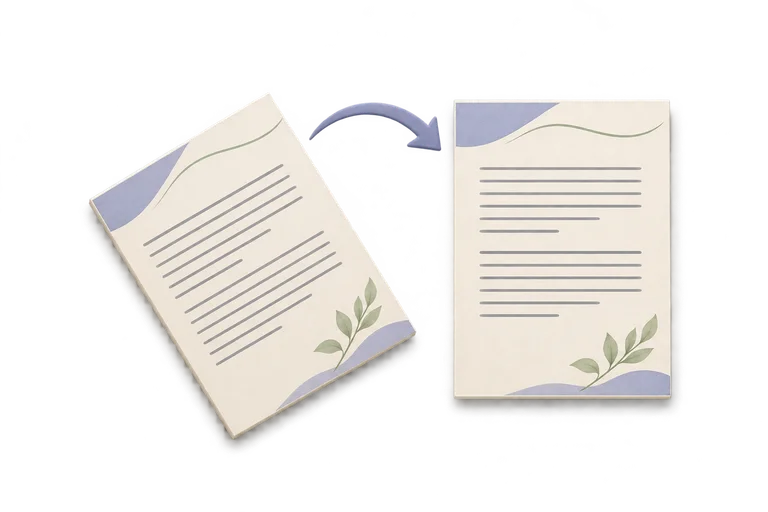
Turn selected pages clockwise, on this device.
Your PDF
Your original stays on this device and is never overwritten.
Which way should the pages turn?
Pages start at 1. Example: 1-3, 5. Other pages stay as they are. A page that is already turned moves another 90 degrees clockwise.
File limits and compatibility
- One PDF, up to 32 MiB and 1,000 pages. The rotated PDF can be up to 64 MiB.
- Turns are clockwise by 90, 180, or 270 degrees and add to any rotation already in the file.
- Choose every page, or comma-separated pages and ranges such as 1-3, 5. Each page can be listed once.
- Page content stays in the file, so text remains selectable. This is not a re-rendered image.
- Document-level bookmarks, attachments, form behavior and signature validity are not rebuilt as a new workspace.
- Desktop limits are provisional; physical mobile and Safari verification remains open.