

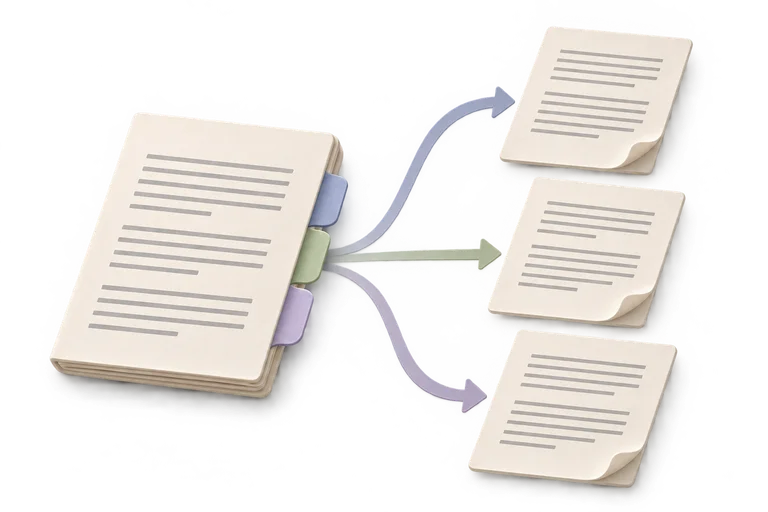
Split PDF
Keep the pages you need, in separate files.
Your PDF
Your original stays on this device and is never overwritten.
How should we split it?
Pages start at 1. Each comma-separated group creates one PDF. Example: 1-3, 5, 7-9. Overlapping ranges are refused.
File limits and compatibility
- One PDF, up to 32 MiB and 1,000 pages. Up to 100 output PDFs and 64 MiB of output PDF data.
- Ranges are one-based and non-overlapping. Each comma-separated group becomes one PDF; multiple PDFs download as ZIP.
- Splitting does not securely erase hidden content or sanitize copied PDF resources.
- Page content, rotation and boxes are copied without rasterization. Document-level bookmarks, attachments, form behavior and signature validity are not preserved as a complete workspace.
- Desktop limits are provisional; physical mobile and Safari verification remains open.