

PDF to images
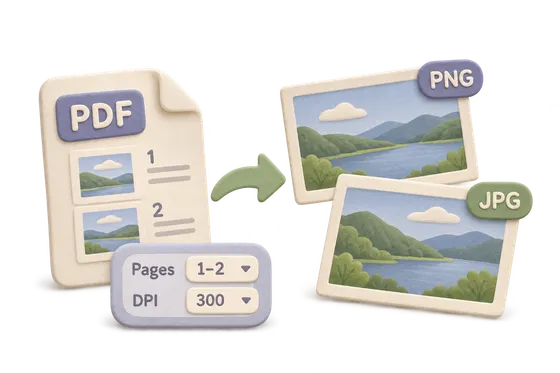
Turn the pages you choose into PNG or JPEG images.
Your PDF
Your original stays on this device and is never overwritten.
Options
File limits and compatibility
- One PDF, up to 32 MiB and 24 exported pages. DPI is 72, 150, or 300.
- A page edge cannot exceed 4096 pixels, and one export stays under 12 million pixels.
- PNG can keep a transparent background. JPEG is white. Annotations and form appearances are drawn into the image.
- One image downloads directly. Several images download as a ZIP named page-001.png and so on.
- The PDF Studio pack loads from this site when needed. Desktop limits are provisional.
How to use PDF to images
- Select Choose a PDF.
- Choose 72, 150 or 300 DPI and PNG or JPEG.
- Export all pages, or name the pages to export.
- Select Create images, then download the image, or the ZIP if there are several.
What happens to your file
The PDF Studio pack, built on PDFium, downloads from this site when needed. It reads your file in this browser. This page's code and assets come from this site. The file, its name and its contents are not sent to Kitolune or anyone else, and a browser test for this tool fails if a run makes a cross-origin or non-GET request.
Common questions
Why is the export limited to 24 pages?
Rendering pages to images is memory-heavy. For a longer document, export it in several selected ranges.